Download the PubCrawl App
Unlock exclusive restaurant and bar deals near you—right from your phone. Start discovering local happy hours, food specials, and nightlife events in just a few taps.
How to Download & Install
Getting started with PubCrawl is easy! Just follow the steps below to install the app and unlock exclusive food and drink deals at your favorite local spots.
For iOS users: scan the QR code below and tap “Get” to install. Once downloaded, open the app and create your free account to start exploring restaurant specials near you.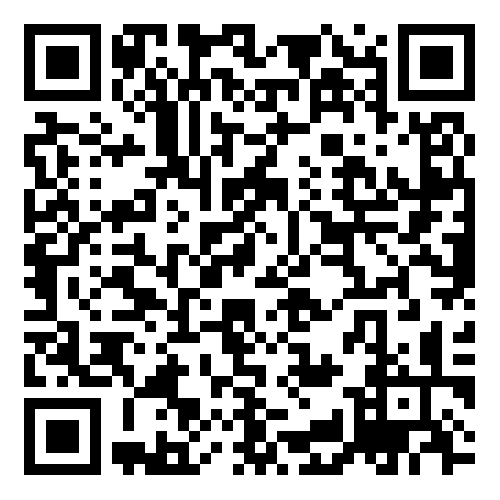
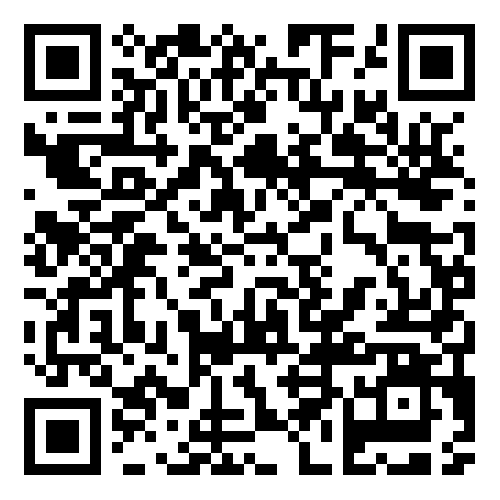
For Android users: scan the QR code below and tap “Install.” After installation, launch the app and sign up to discover the best bar deals and happy hours around town.
Got questions or need help with installation? Reach out through our contact page and we’ll be happy to assist!
See the App in Action
Take a quick peek at PubCrawl’s easy-to-use interface—explore local restaurant and bar deals before you download.


FAQs & Troubleshooting Tips
Got questions about downloading or installing PubCrawl? You’re not alone! Here are answers to some of the most common issues, so you can start discovering restaurant and bar deals without a hitch.
If you’re having trouble with the download, double-check that your device has enough storage and a stable internet connection. For installation issues, restarting your device or updating your operating system often does the trick.
Still stuck? We’re here to help! Reach out to our team on the Contact page and we’ll get you set up in no time.